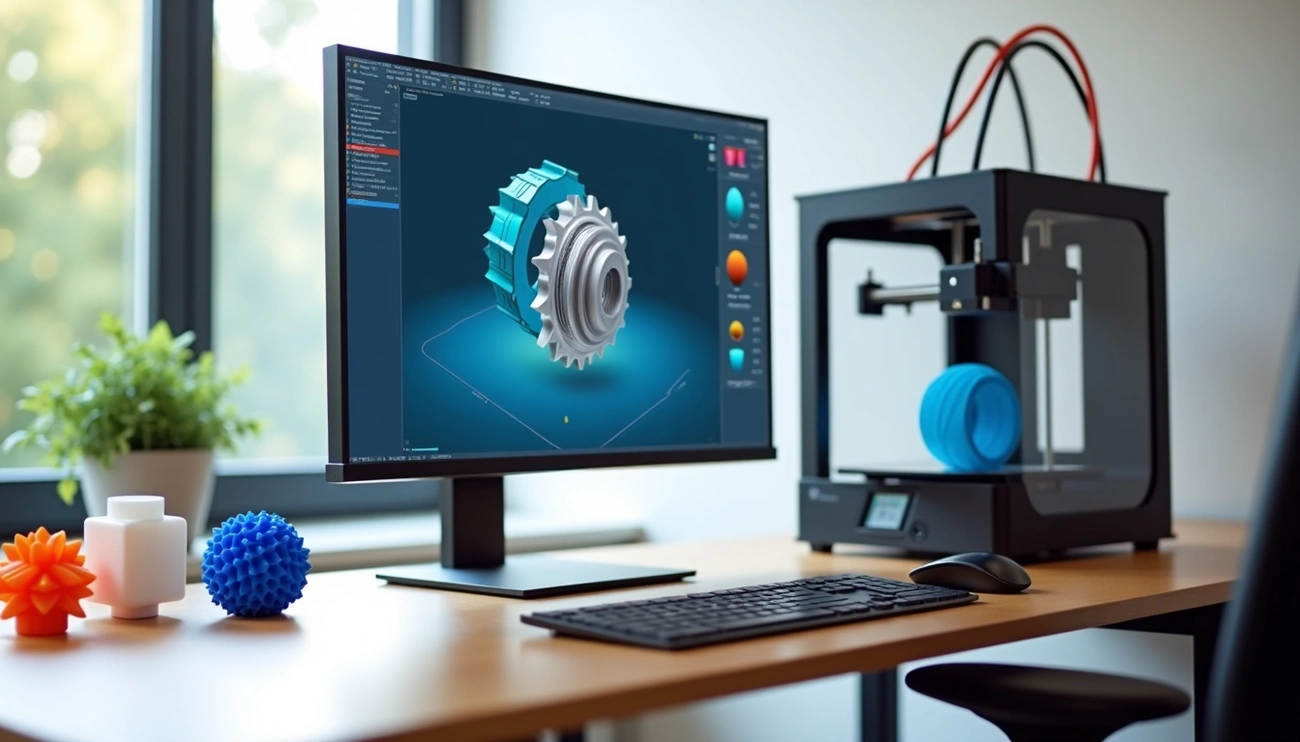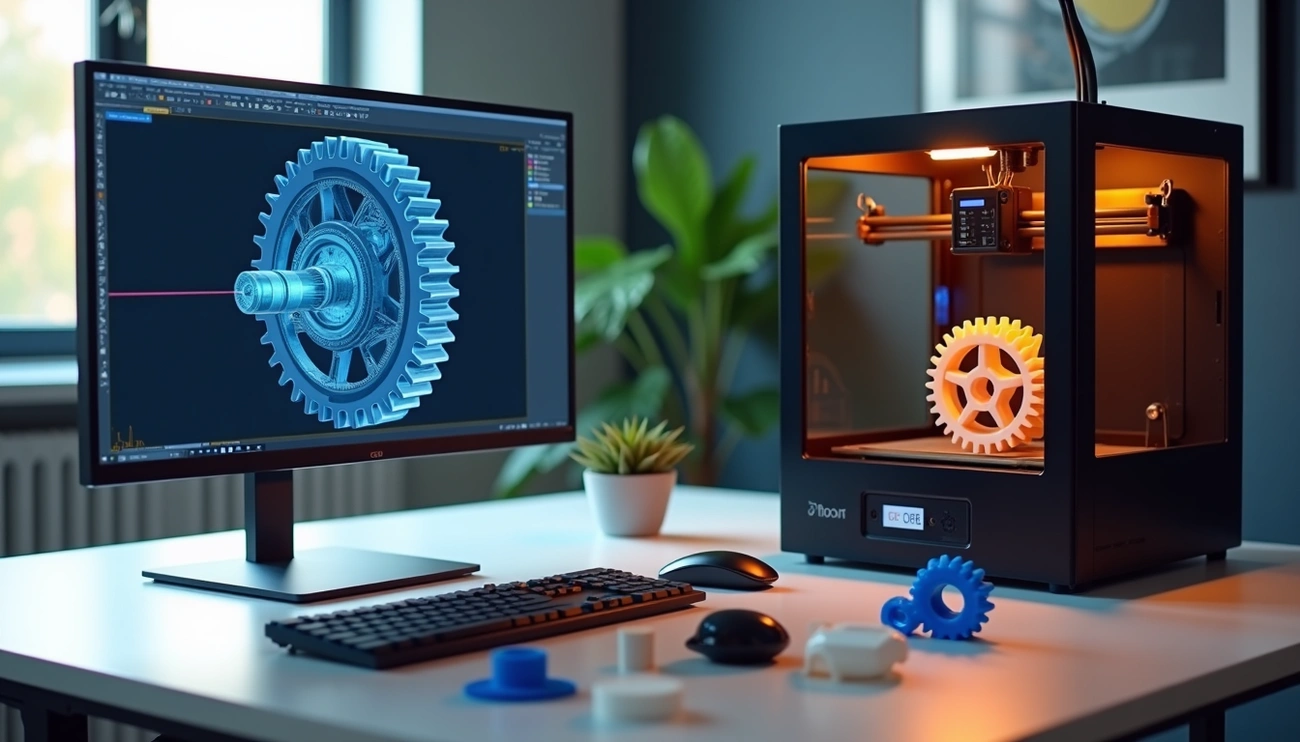
Your future products’ success largely depends on picking the right CAD software for 3D printing. McKinsey research suggests that business leaders expect about half of their companies’ future revenue will come from products that don’t exist today.
CAD software for 3D printing serves as digital design tools to create solid, three-dimensional models ready for manufacturing. These design tools help document a product’s design process effectively. The right modeling software for 3D printing makes a world of difference, whether you’re new to simple shapes or an expert crafting complex designs.
The software also blends with various factory systems like ERP, MES, QMS, and accounting systems. This makes it a vital part of modern manufacturing workflows. Such integrations make factory operations by a lot more efficient and reduce errors through automation.
We’ve created this complete guide for 2024 to help you choose better. You’ll learn about file formats like STL and 3MF that carry all the geometric data slicers need. We’ll guide you through the best CAD options for 3D printing based on what you need. Let’s take a closer look at choosing the perfect design solution for your 3D printing projects.
Understanding CAD Software in the Context of 3D Printing
CAD software forms the digital foundation of the 3D printing process and transforms creative ideas into printable designs. The 3D CAD software market reached USD 8.90 billion in 2020. Experts project it to hit USD 14.23 billion by 2028, with a CAGR of 6.03%.
What is CAD software used for in 3D printing?
Computer-aided design (CAD) software lets designers create accurate digital models that become 3D printer-compatible files. CAD acts as the architectural blueprint of your 3D printed objects and describes every detail before physical production. The typical CAD workflow involves creating a dimensional sketch that develops into a 3D model and converts into a format 3D printers understand.
CAD software helps users test designs through various simulations before printing – stress analysis, thermal analysis, and fluid dynamics. This validation ensures models perform as expected in real-life conditions while saving materials and time.
How CAD is different from other modeling tools
CAD programs emphasize precision, structural integrity, and compatibility with slicing software, unlike general-purpose 3D modeling tools. Geometrical shapes are CAD’s foundation – you begin with a technical 2D drawing of your object and then extrude and modify it with features like threads, holes, and snaps.
CAD models come in several categories:
- Freeform modelers: Offer minimal dimensional control and allow free sculpting without numerical constraints
- Polygonal modeling: Deals with mesh elements (vertices, edges, faces)
- Solid modeling: Handles designs as manufacturable solid objects using constructive solid geometry techniques
- Parametric modeling: Gives you complete control through dimensions and constraints
Common file formats and their role in printing
The experience from design to physical object needs specific file formats that contain geometric data. Popular formats include:
- STL (Standard Triangle Language): The industry standard records surfaces through triangular facets
- OBJ: Captures mesh geometry with color and texture attributes
- 3MF: A modern container format keeps geometry, colors, and metadata
- STEP: Design workflows use this format, but it needs conversion before printing
These file formats work as translators between your design software and 3D printer. They contain instructions about material quantity and placement. Your choice of format depends on your printer type, surface quality needs, and whether you want to keep color or texture data.
Learning and Adapting to CAD Tools
Becoming skilled at CAD software sets the foundation for successful 3D printing projects. The learning process might look challenging for newcomers. However, anyone can develop proficiency with the right approach.
Beginner-friendly features to look for
These user-friendly elements should be your priority when choosing CAD software for 3D printing:
- User-friendly interface: Programs like TinkerCAD let you drag and drop pre-defined shapes that you can manipulate easily
- Cloud accessibility: Web-based applications work without complex installations and you can access them from any device with internet connection
- Simple tools: Pick software with simple modeling features before you move to more complex options
- Built-in tutorials: Programs like SelfCAD include integrated tutorials and manuals designed specifically for beginners
How to learn CAD for 3D printing
A structured approach helps you learn CAD effectively:
Pick software that matches your technical skills and design needs. TinkerCAD works great for absolute beginners, while Fusion 360 gives you advanced capabilities with a personal license for non-commercial projects.
Simple modeling concepts should be your focus before you try complex designs. Simple projects help you build skills through regular practice. Online communities give you valuable feedback and help with troubleshooting throughout your learning experience.
Resources and tutorials for self-paced learning
You’ll find many resources specifically created for self-paced CAD learning:
SelfCAD University features interactive tutorials where you participate with the content and perform actions to achieve results. Autodesk offers detailed learning paths for Fusion 360, including video tutorials, step-by-step guides, and downloadable 3D models.
Structured learning options include courses like “3D Printing: From Start to Finish” on Udemy ($13.99) or “Learning 3D Printing” on LinkedIn Learning. Free tutorials are available on YouTube, particularly channel-based series by Teaching Tech and PromoAmbitions that cover TinkerCAD basics.
Coursera provides more detailed options, including the “CAD and Digital Manufacturing Specialization” by Autodesk.
Choosing the Best CAD Software Based on Use Case
Your specific design needs and project requirements determine the right CAD software choice. Different software options excel in various use cases. The right tools must match your projects.
For engineering and mechanical parts
Engineering applications need precision and parametric control. SolidWorks leads the pack for creating exact and detailed models, especially when precise measurements matter. Engineers can easily make changes and updates with its parametric feature-based modeling—a vital aspect of product design. Fusion 360‘s manufacturing-specific design and exact measurement capabilities work perfectly for creating parts that fit together. Both programs let you test how 3D printed parts perform in real-life conditions through simulation tools.
For artistic and organic modeling
Creating organic shapes requires specialized tools. ZBrush‘s sculpting tools deliver highly detailed organic models with unmatched detail. The software handles millions of polygons while keeping file sizes manageable—a significant feature for complex designs. Blender stands out for its versatility in modeling, animation, and rendering. Though it takes more time to learn, designers love it for complex organic designs and artistic projects.
For educational and classroom use
TinkerCAD rules educational settings with its easy-to-use interface that beginners love. The browser-based program needs no installation, making it perfect for classrooms. BlocksCAD‘s color-block interface looks like LEGO, helping young learners engage with 3D modeling. Both programs promote creativity and simple 3D modeling principles without overwhelming new users.
For rapid prototyping and iteration
Cloud-based solutions speed up development cycles. Onshape makes shared work possible as engineers, designers, and stakeholders work on the same model at once. The detailed activity tracking boosts accountability and offers infinite restore points. Fusion 360 also includes cloud collaboration tools and integrated CAM features that smooth the path from design to production. These features support quick 24-hour design cycles that prototyping needs.
Top 8 CAD Software Options for 3D Printing in 2024
The digital world of CAD software for 3D printing has revolutionized with tools now available for every skill level and project type. Here’s a look at the best options you can use in 2024:
1. Fusion 360
Autodesk’s cloud-based solution combines CAD, CAM, and CAE capabilities on a single platform. Hobbyists who make less than $1,000 yearly can use it free. It has parametric modeling, direct modeling, and sculpting features. The software runs resource-heavy operations like simulation and rendering in the cloud. You can keep working while the processing happens on remote servers.
2. TinkerCAD
Autodesk’s free browser-based program helps newcomers start with 3D design. You can rotate the workplane to adjust shapes or use the ruler for exact measurements. The software shines with its drag-and-drop interface. Simple shapes become building blocks that create complex designs. This makes it a great fit for students and beginners.
3. FreeCAD
This open-source parametric modeler provides an economical solution for technical modeling. You can modify designs anytime through the available arborescence. The software exports STL files with high accuracy, which makes it great for creating printable parts.
4. SolidWorks
This professional-grade CAD software creates detailed, precise models. It has the Print3D tool that lets you visualize and analyze models for 3D printing. You can pick printers from a library, position models in print volumes, and save files in STL, 3MF, and AMF formats.
5. Onshape
The cloud-native platform removes file management hassles with its database-driven structure. Engineers can edit projects together without file-sharing delays. Teams explore different design ideas independently while keeping one source of truth through branching features.
6. SelfCAD
An online 3D design tool that blends modeling and printing features in one package. The software works well in both online and desktop versions. You choose the experience that suits your needs. It has built-in “Magic Fix” tools to repair meshes and an online slicer that creates G-code directly.
7. Rhino 3D
Rhino stands out for its NURBS modeling capabilities and works well across industries from jewelry to marine design. The software pairs with Grasshopper (its visual programming environment) to help designers create generative forms without coding knowledge. You need to convert NURBS models to mesh formats before printing.
8. Blender
This free, open-source creation suite excels at organic modeling and sculpting. While not primarily CAD software, Blender has many modeling tools that make 3D model creation simple. The software supports N-gon geometry, advanced sculpting tools, and multi-resolution workflows. These features work great for artistic 3D printing projects.
Conclusion
Your choice of CAD software will substantially affect the success of your 3D printing projects. This piece covers everything that should shape your decision-making process. You’ll find the right CAD solution based on your specific needs, technical skill level, and project complexity.
TinkerCAD or BlocksCAD works best for beginners because of their user-friendly design and simple toolsets. Professional engineers working on complex projects will get more value from SolidWorks or Fusion 360’s precision and parametric features. ZBrush or Blender are great choices for artists and creators who work with organic shapes because of their superior sculpting tools.
File formats are a vital part of the 3D printing workflow. STL remains the industry standard, while newer formats like 3MF provide extra benefits for complex projects. A good understanding of these formats will help your designs translate accurately from digital models to physical objects.
You’ll need patience and practice to learn CAD software properly. Many resources can help you become skilled at these tools—from built-in tutorials to online courses and community forums. The original learning curve might look steep, but design possibilities become almost endless once you develop proficiency.
On top of that, cloud-based solutions like Onshape and Fusion 360 have changed how teams collaborate. These platforms let multiple people work on projects at the same time without file-sharing delays. They work especially well when you have rapid prototyping and iteration cycles.
Start with software that matches your current skill level, then move to more advanced options as your expertise grows. The digital world of CAD keeps evolving and making tools more available to everyone, from hobbyists to professional engineers.
Note that finding software that helps bring your ideas to life effectively matters most. The right CAD tool should let you focus on creativity and new ideas instead of fighting technical limitations. Your experience from digital design to physical object should flow smoothly—and picking the right software makes this possible.